

Featured · Design online
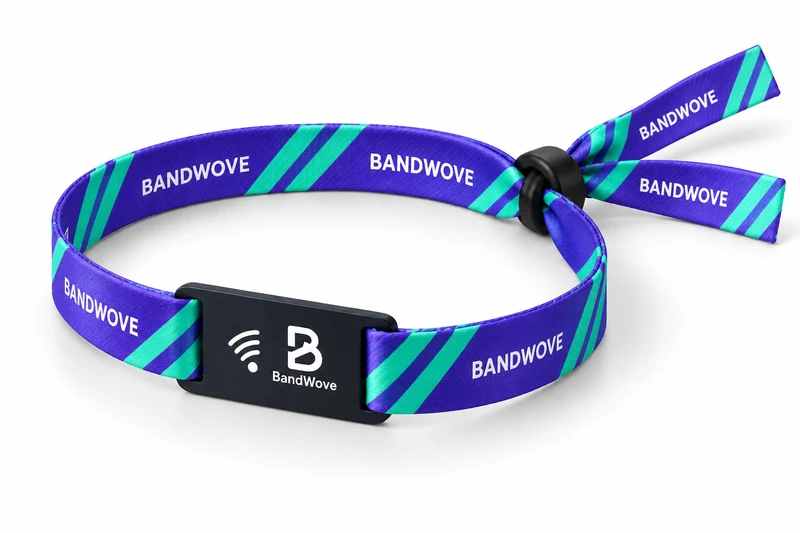
Printed Fabric RFID Wristband
Polyester in 350 × 15 or 20 mm, with full-color dye sublimation, a separate PVC RFID tag and an adjustable slider.
Bring your colours and artwork to fabric, elastic and silicone wristbands for events, brands and venues.
Design. Wear. Connect.
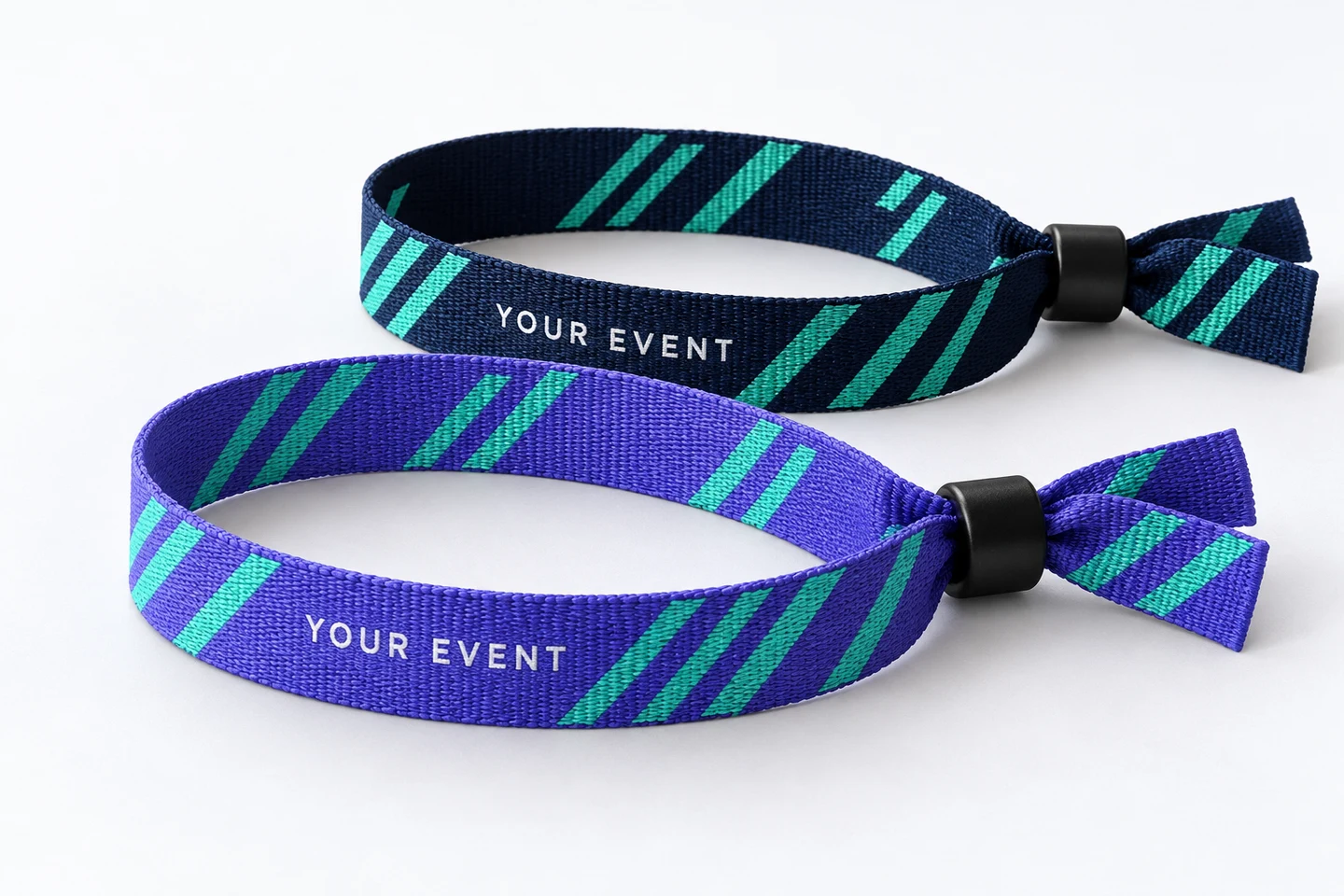
BandWove Studio
Upload your logo and edit text, colors and patterns in the design mode for your wristband. Printed fabric keeps its front, back and separate RFID tag as independent surfaces.
Free to use. No account needed. Each product mode follows its own artwork surfaces and specifications.

Featured wristbands
Material, fit and closure shape the way a wristband is worn. Compare the format, then match the technology to your use.
Compare all wristbandsFeatured · Design online
Polyester in 350 × 15 or 20 mm, with full-color dye sublimation, a separate PVC RFID tag and an adjustable slider.
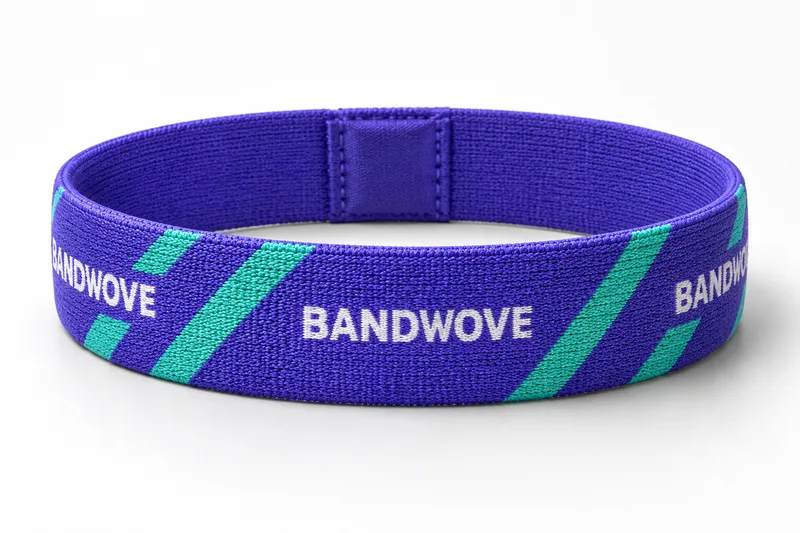
A printed stretch loop with a discreet sewn-in NFC pocket. Choose the fit and plan the phone interaction with your artwork.

A smooth, reusable loop with an enclosed RFID assembly. Plan the size, color and logo finish around repeated wear.
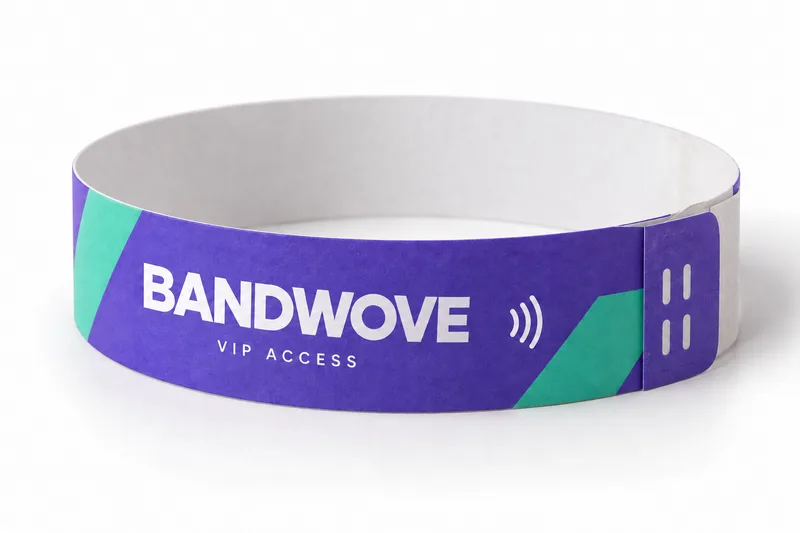
A lightweight format with a single-use closure for event credentials. Specify the printed identity and required reader setup.
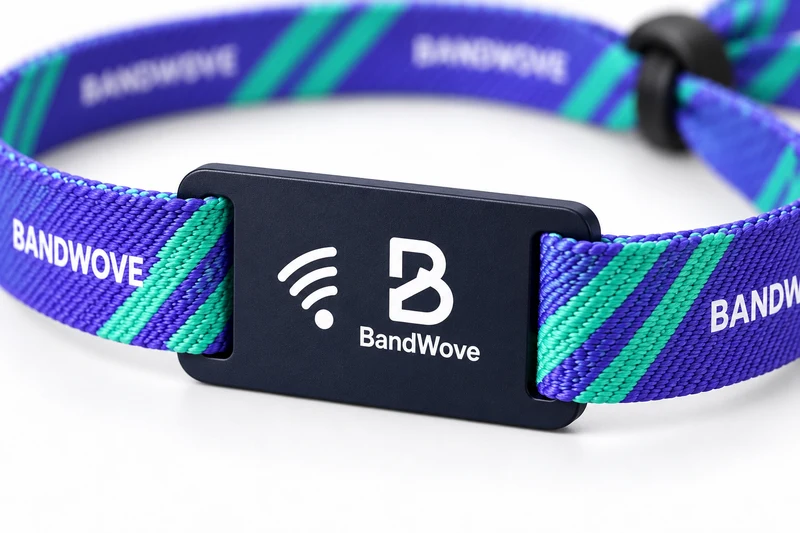
Coordinate what guests see, how the band fits and what it needs to connect.
Explore customizationThe guest journey gives each wristband a purpose. Plan the look, wear duration and intended interaction together.
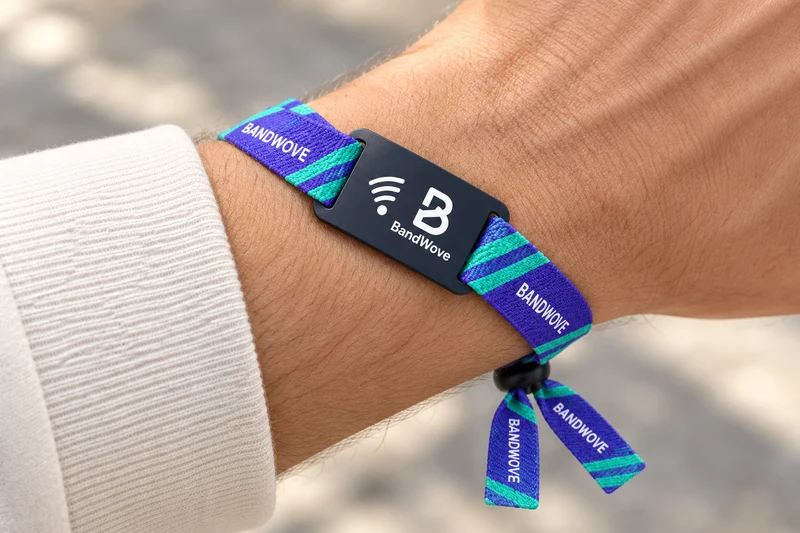
Printed fabric · Adjustable slider
Use color and lettering to distinguish days, teams and access groups. Choose the closure around wear duration, then align admission credentials with the event platform.
Plan: guest groups, wear time, issue process and reader requirements.
Explore event applications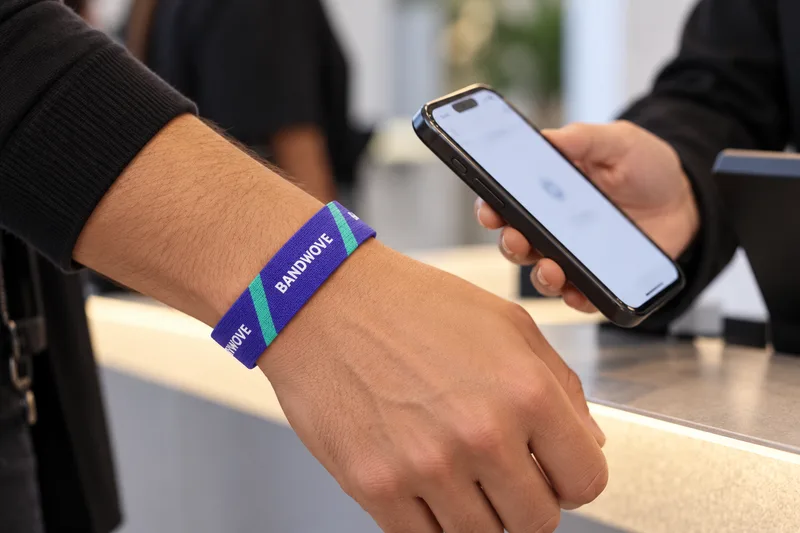
Elastic NFC · Phone interaction
Carry the visual identity onto the band and tag. A suitable NFC tag can take guests to a campaign page or registration link on a compatible phone.
Plan: artwork, destination URL, content ownership and phone interaction.
Explore brand activations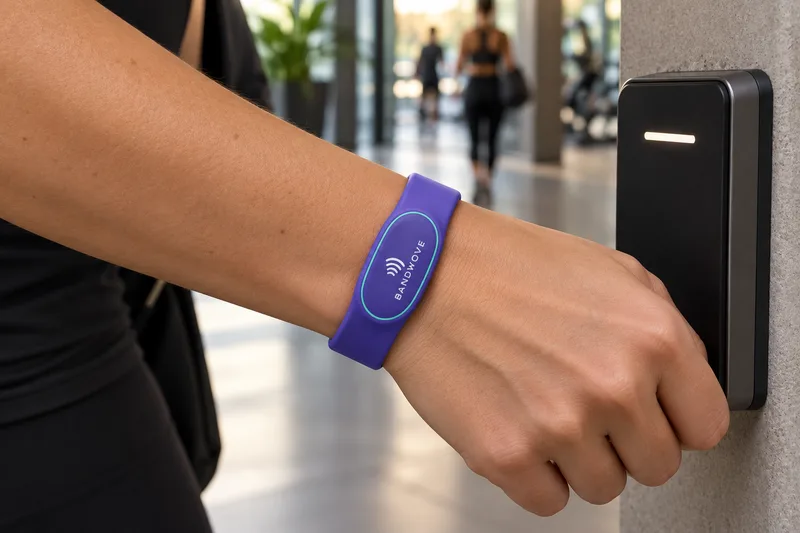
Silicone RFID · Managed access
For venues, hotels and resorts, consider guest identification, removal and repeat wear. Access features depend on the existing reader and credential system.
Plan: fit, reuse, guest journey and exact system specification.
Explore venue applicationsWhy BandWove
Build your printed fabric artwork with tools you can use now. Keep the design files and the details your buying team needs.
Explore all five templatesYes. BandWove Studio provides product-specific 2D modes for Printed Fabric RFID, Elastic NFC, Silicone RFID and Disposable RFID wristbands. Each mode uses its own dimensions and artwork surfaces. Printed fabric includes independent front, back and RFID tag artwork; woven design mode is not currently available.
Printed fabric gives you a long artwork surface and an adjustable slider. Elastic uses a stretch loop; silicone offers a smooth reusable body. Disposable formats use a single-use closure. Compare the product pages against wear duration, removal policy and the intended credential system.
Start with your logo, colors or a template. Studio accepts PNG, JPG and validated SVG with outlined lettering. Keep the editable project as your master, and use the order proof to review final scale, placement and hardware clearances.
Phone interactions require a suitable NFC tag and a compatible phone. Managed access depends on the chip, protocol, antenna, encoding and reader or platform. Share the system specification and validate the configured wristband before rollout; frequency alone does not establish compatibility.
Share the product, size or variant, quantity, destination and preferred timing. Add your artwork and any closure, reader, chip or encoding requirements you already know. If you start in Studio, your editable project can be associated with the quote request.
Material, quantity, artwork, tag construction, chip, encoding and destination affect the quotation and schedule. Bring those requirements into the brief so the scope and delivery arrangements can be agreed before an order.

